A/B Testing: C Is for Compromised
How the Optimizely breach introduced something nobody was testing for: malicious code.
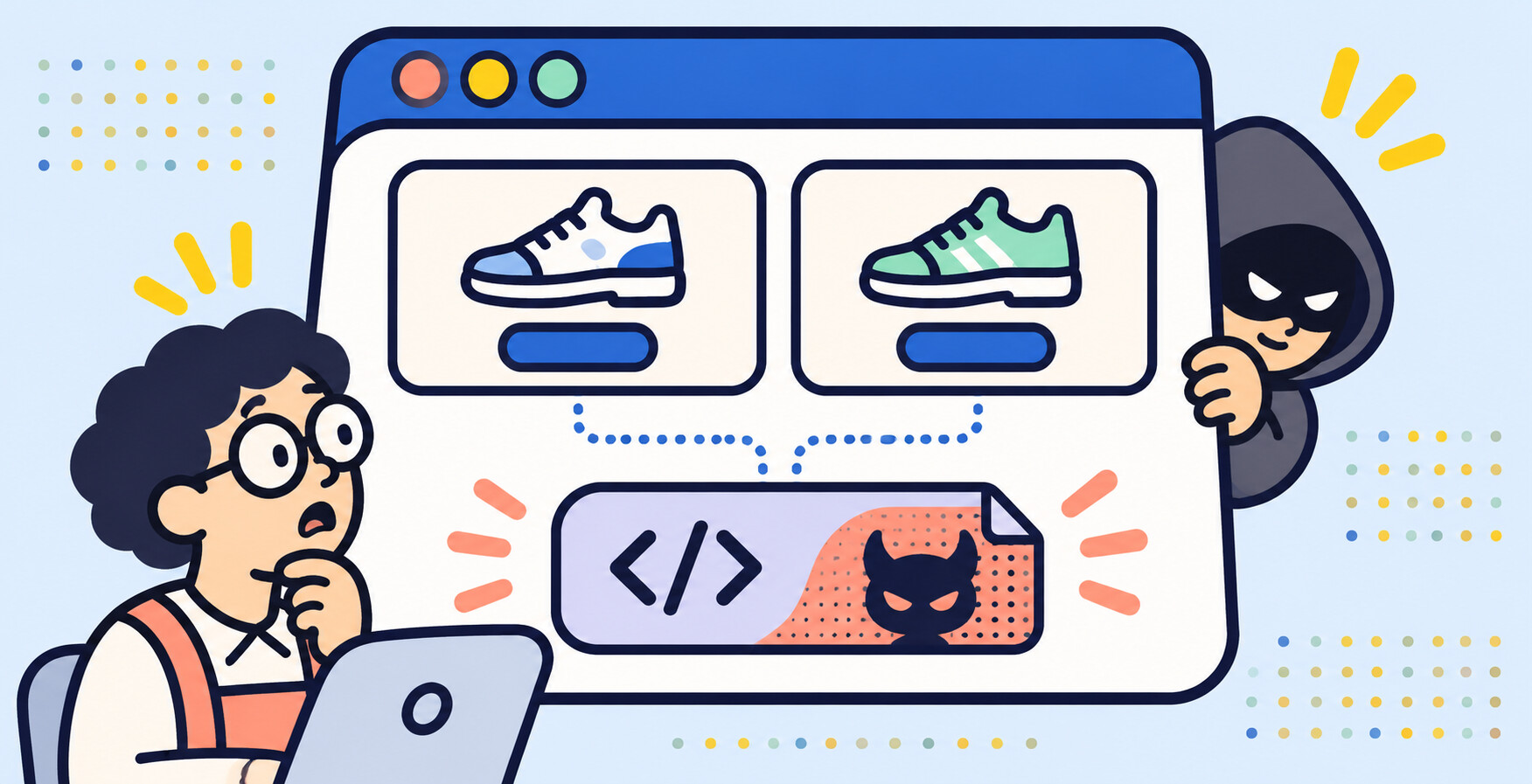
On 16 November, an unauthorized party exploited a vulnerability in Optimizely's Web Experimentation platform and injected JavaScript into the "Project JavaScript" field of customer projects. That code was served from Optimizely's own CDN, cdn.optimizely.com, to visitors of the affected stores. Optimizely says it fixed the vulnerability, removed the injected code and secured the affected accounts; most of the malicious code was cleaned within about seventeen hours.
If you run Optimizely, you may have spent part of last week checking snippets and rotating keys. That is a stressful way to spend the week, and none of it was your fault. The code was served from a domain you were told to trust, recommended by a product you paid for.
If you were not affected, this is still worth reading, because the shape of the incident is not specific to one vendor. It is a property of how browser-side testing tools work.
What the injected code did
The payload, rebuilt and redeployed repeatedly through the day, swapped cryptocurrency addresses in page text and in the clipboard, and skimmed payment card details. Scott Helme's Report URI analysis counted 178 organizations affected. The code reached those sites' shoppers because the testing platform itself, not the store, was the source of the script. The cleanup was measured in hours, and incidents like this can land on any platform. The question for your store is why your product page depended on their Monday at all.
The mechanism: a trusted third party writes into your page
Browser-side testing tools — Optimizely, VWO, AB Tasty, Convert, most visual editors — all work the same way. Your store sends the normal page. A script in the page head downloads the test from the vendor's infrastructure and rewrites the page: new headline, moved block, different button. We described this in Your A/B testing tool is slowing down the page it tests, where the topic was speed.
The same mechanism has a security corollary. For the rewrite to work, the vendor's script must be able to change any part of the page it targets, and the browser must run whatever that script delivers. Give a system that power on Monday and it is only as trustworthy as the vendor's Monday. You inherit the vendor's security posture and their incident surface, on every page of your store, for every shopper.
That is not a flaw in Optimizely specifically. It is what the architecture is.
Why the path is different in an eLLMo test
The fair question after an incident like this is whether it could happen to a test built the way we build them. Here is how A/B testing in eLLMo works.
No code is fetched at page time from a testing vendor's CDN. A test is a copy of your own product template with the change written as theme code — real code on your storefront, drawn by Shopify the same way it draws everything else. A small script still assigns each shopper a version, and it runs in the browser. But it stops at assigning. It cannot create, alter or inject content, so there is no vendor-supplied payload in the chain that renders your page. A compromise of any part of that chain reaches a shopper seeing the other version of a page. It does not reach checkout fields.
In practice, that means two things.
- The failure domain is one store, not an industry. A theme-template test runs on your storefront as your code. There is no shared vendor artifact that, if compromised, reaches shoppers on thousands of unrelated sites at once.
- The page does not depend on a testing vendor to render. The version a shopper sees is code that was already on your store, checked on your live site before any shopper was split. An incident at a testing vendor has no path to your product page, because the page does not need one.
Four checks to run this week
If you are still on a browser-side testing tool and deciding whether to stay, that decision can wait a week. These four checks should not.
- Check your Content Security Policy. In Scott Helme's analysis, of the 256 affected organizations whose CSP he evaluated, only 24 — fifteen percent — blocked the payload outright. Sixty-eight had no CSP at all, and fifty more had one that allowed everything. If your CSP allows the strict-dynamic or unsafe-eval keywords — which Optimizely's own docs recommend — the payload class runs. Locking the script-src directive to hosts you actually use is the single fastest mitigation available, and you can do it before you talk to any vendor.
- Pin the scripts you can. Where a vendor serves a fixed-version file, OWASP's Third Party JavaScript Management cheat sheet recommends "in-house script mirroring (to prevent alterations by 3rd parties)", and notes that "Subresource Integrity will ensure that only the code that has been reviewed is executed" — download the vendor's library, scan it, serve it from your own origin, and add the SRI hash so the browser refuses it if the bytes ever change. Enterprises run the downloaded library through static analysis or malware scanning before it ships. A testing tool is the awkward case: its whole job is to change what the page says on demand from the vendor, so a pinned, mirrored copy defeats the product. If your testing script cannot be pinned, that is a fact about the tool worth knowing.
- Inventory what remains. Some scripts cannot be mirrored or pinned. For those, list every third-party script in the page head and ask for each one: does it have write access to the page, and does it fetch code at page time? Those are the ones to watch.
- Ask your vendor the uncomfortable questions. Who can write code into my projects? Is it logged, reviewed, alertable? How would I know within an hour if that changed?
Re-examine what actually needs to run in the browser, too. Most tests are changes to content and layout. Very few of them need a third-party script with page-wide write access to deliver. As we put it in October: the page you test should be the page you ship.
If you are weighing tools right now, we put eLLMo side by side with JavaScript A/B testing tools.
See this in action on your page
eLLMo sends simulated buyers through your product page and returns a ranked list of what stops people from buying, in their own words.
More from the blog