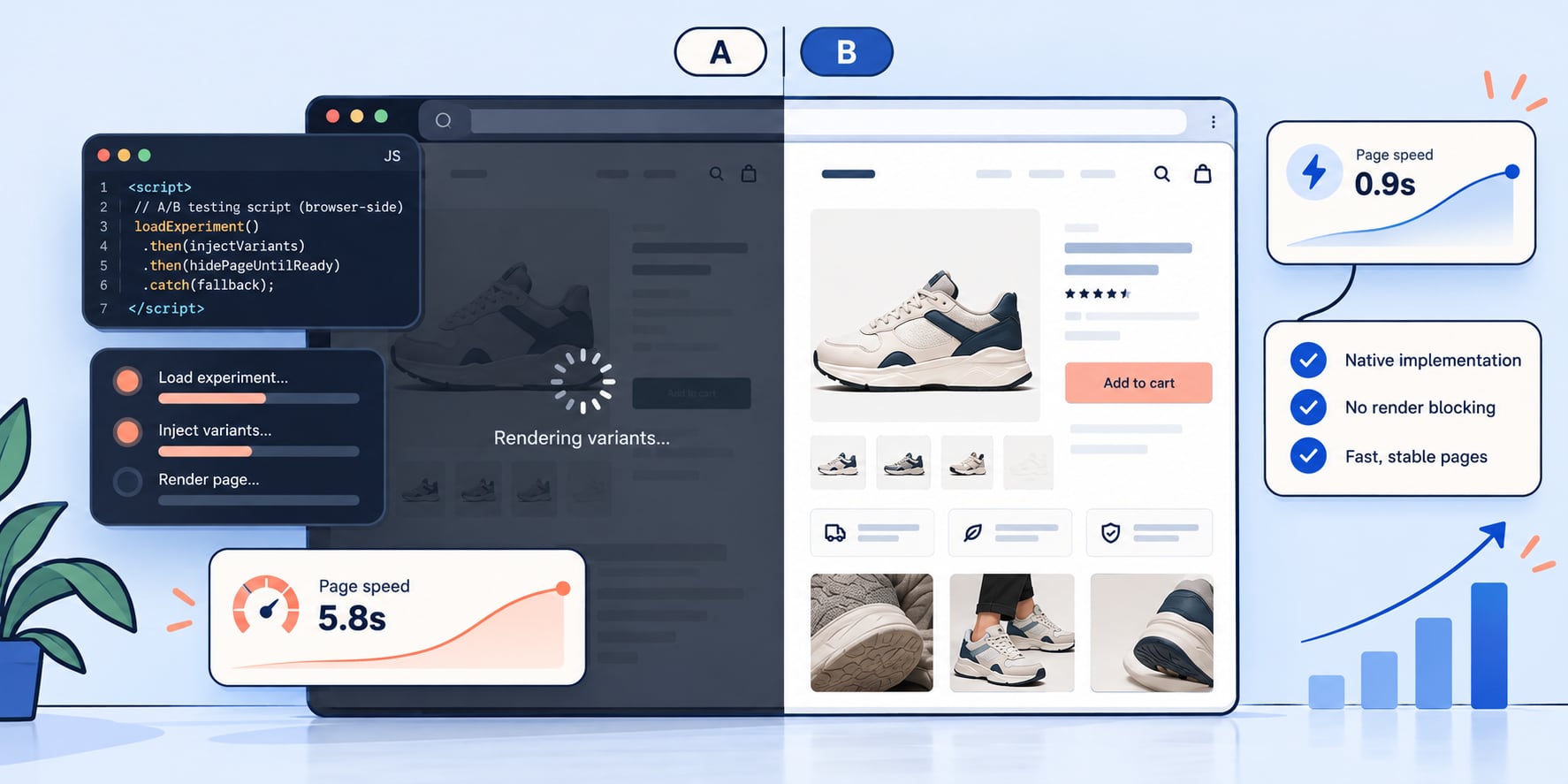
Your A/B testing tool is slowing down the page it is testing
Most A/B testing tools change your page in the shopper's browser, after it loads. To hide that, they make the page wait. The wait can be as large as the win you are testing for, and the upkeep never ends.
You buy an A/B testing tool to find out what makes your product page sell more. The first step of the install is a script that makes the page slower. Then you ask the slower page whether your change made it sell better.
Nobody plans it that way. It is simply how most testing tools work, and the cost hides in plain sight: in a speed score nobody connects to the test, in a result that is a little less true than it looks, and in a backlog of developer tickets that starts the day a test wins.
How a browser-side test works
VWO, Optimizely, AB Tasty, Convert, most visual editors and newer AI testing apps run in the shopper's browser. Your store sends the normal page. A script in the page head downloads the test, finds the parts of the page it needs to change, and rewrites them: new headline, moved block, different button.
If the shopper sees the page before the script is done, they see the old version flash and then change. The industry calls that flicker, and every vendor has a fix for it. The fix is to make the page wait.
- Optimizely "uses a synchronous snippet to prevent flickering." The browser draws nothing until the script arrives.
- VWO's standard snippet sets the whole page to invisible while its code loads, for up to 2 seconds before it gives up.
- Google Optimize, retired in September 2023, hid the page for up to 4 seconds by default.
- Intelligems, built for Shopify, blocks the page from painting by default, "at the cost of slightly higher FCP and LCP times", the measures Google uses for how fast a page appears.
- Variant, an AI testing app for Shopify, has its AI write each test as JavaScript that edits the page after it draws. On the storefronts we read in October 2026, tested parts of the page stayed hidden for up to 2 seconds while that code loaded.
None of this is a secret. It is in each vendor's own documentation, or in the code any shopper's browser downloads. It is the price of changing a page after the store has already sent it.
How long the page actually waits
Simo Ahava measured Google Optimize's hide on real page loads in 2020. With the snippet installed the way Google recommended, the page stayed hidden for 581 milliseconds on average. Loaded through Google Tag Manager, it was 964 milliseconds.
The scripts themselves are not small either. HTTP Archive data collected by the third-party-web project puts the average time these tools spend running in the browser at 465 milliseconds per page for VWO, 898 for Optimizely and 1,045 for Convert. That is time the shopper's phone spends on the testing tool instead of your page.
Put it next to the win you are looking for
Half a second sounds small until you set it next to what a test is built to find.
Bing measured this directly. It slowed pages on purpose for a random slice of users, in a controlled test, and measured what happened. Every 100 milliseconds of delay cost 0.6% of revenue.
Now the other side. Georgi Georgiev analyzed 115 published A/B tests and found the median lift across them was 3.92%. Most real wins are a few percent, not a few dozen.
At Bing's rate, half a second of hidden page costs about 3% of revenue. That is close to the size of the median win.
The tool's own delay can be as large as the effect it was bought to find.
Your store is not Bing, and your number will be different. The point is the order of size. A testing script that costs a few hundred milliseconds is not a rounding error next to a 4% win. It is the same size.
Where it skews the result
When both versions of the page carry the same delay, the comparison stays fair. But it is a comparison between two slower pages. The winner's numbers were measured on a store that will be faster once the test is gone, so the lift you planned on is not quite the lift you will get.
When only the new version carries the extra work, it is worse. Code that rewrites the page runs only for the new version, so that version is a little slower and sometimes visibly jumpy. Its slowdown gets counted against the design. A good idea can lose for reasons that have nothing to do with the idea. Optimizely's own documentation says flicker "makes the outcome of your experiment less reliable."
Slower versions also lose people before they are counted. Researchers from Microsoft, Booking.com and Outreach found that about 6% of experiments at Microsoft had a sample ratio mismatch, meaning the split between versions was not what was set. One cause they name: when a version is slower, "users have more time to exit the product before the logs are generated." The shoppers who left fastest are the ones the test never saw.
The upkeep nobody budgets for
Browser-side changes find their target by CSS selector: this class, inside that block. Shopify themes get updated. Apps redraw product forms. Some frameworks rename classes on every page load. VWO documents what happens then: changed identifiers lead to "no changes (or in rare cases, incorrect changes) being applied on the page." Nothing alerts you. The test keeps splitting traffic and reporting a result for a page nobody meant to test.
Then a test wins, and the work starts again. A browser-side test is a sketch of the change, painted on at run time. GitLab's public handbook spells out the next step: roll the winner out to all traffic, then "create a new Engineering issue to implement the winning design permanently." Optimizely offers a shortcut: keep the winner running in the tool, where it "does count towards monthly active users."
So you pay twice. Once to test, then again to rebuild the winner or to keep the script painting it on. And the rebuilt page is not exactly the page that won.
The page you test should be the page you ship
There is another way to build a test on a Shopify store. Shopify can draw a different template for the same product. A test built that way has nothing to rewrite in the browser: the new version is real theme code, and Shopify draws it the same way it draws everything else.
Something still has to pick which version a shopper gets. On Shopify that is usually a small script, ours included, and it is not free. The difference is whether the script stops at picking a version, or goes on to rebuild the page in front of the shopper.
That is how we built A/B testing in eLLMo. The new page is a copy of your product template with the change written as theme code, checked on your live store before any shopper is split. When it wins, the product switches to that template. The code that won is the code that ships, and there is nothing to rebuild.
Shoplift, a testing app for Shopify, uses real templates too. The difference is who builds them. In Shoplift, "all edits happen directly in Shopify's Theme Editor". Its Lift Assist can drop in a prebuilt section, but Shoplift's own guide says it "does not automatically add content" to it. Someone on your team still designs every test, writes it and checks it. In eLLMo, the copy is written and the section is built for you, at any hour, and you review it before anything goes live.
Test fewer things, chosen better
Speed is half the problem. The other half is that many tests should never have been run. Most stores do not have the traffic to see a 4% win at all, a point we worked through in Your A/B test did not have enough traffic to tell you anything. When traffic is that scarce, what you choose to test matters more than how you test it.
That choice is where simulated buyers come in. Before a test starts, buyers matched to your customers shop the live page and say where they stopped, in their own words. The test you run is the reason the most buyers gave. And because the same buyers can shop the new page before any shopper sees it, you know whether the fix works before you spend a day of traffic on it. Fewer tests, each one aimed at something buyers said out loud.
If you are weighing tools right now, we put eLLMo side by side with JavaScript A/B testing tools, Shoplift and Variant.
See this in action on your page
eLLMo sends simulated buyers through your product page and returns a ranked list of what stops people from buying, in their own words.
More from the blog